Need guidance with technology or processes?
With Partner Support, everything becomes clear, efficient, and streamlined — so you can stay focused on what matters most: closing loans and delivering exceptional service to your clients.


You can join AD Mortgage as either a Correspondent or Broker partner. To sign up, please complete the appropriate application package:
Correspondent: Correspondent Package
Broker: Broker Package
Submit the AIM Credentials Request form. Our IT team will send the credentials within 24 hours. Company Admins can add new users and issue new credentials for their team members right away via AIM → My Team.
Complete the Branch Assignment Form .
Try resetting your password using “Forgot Password.”
If you still cannot access your account, please contact IT Support at: helpdesk@admortgage.com
Once your file is created, submitted, and the initial disclosure package is signed, you can order an appraisal by opening your loan file in AIM, going to the Actions tab, and selecting “Order an Appraisal.” Correspondent Lenders also have an option to order an appraisal outside of AD Mortgage.
You can check the full list of approved AMCs here: Mortgage Appraisal Center
You must be approved and have Partner Portal access. Once you’re in the Partner Portal, click “Concierge Service” on the navigation panel at the top.
Yes. Borrowers can complete the Web-Based 1003.
You must be approved, and the form is located in the Partner Portal under Home → Quick Links.
Once submitted, the loan will appear in your pipeline.
Approved Partners: Log into AIM to access Quick Pricer Pro for company-specific pricing.
Not yet partnered with AD? Use the Quick Pricer on the website for wholesale pricing. Please, call (305) 760 – 7002 for additional assistance.
Our ADwise AI Assistant can help you with guidelines, lock and pricing policies, overlays, and more.
If you’re an approved partner, you can reach out to your assigned Account Executive.
Our Partner CRM allows you to:
For more information: LEADer CRM
We appreciate your business and offer our loyalty program.
For more information: ADvantage Loyalty Program
Go to Loan Tools → Guidelines
Video Calls allow you to share your screen with Partner Support to resolve issues quickly.
Yes. You can schedule training session via the following link Schedule Training Session
Yes. You can access our AD Mortgage Assistant powered by AI 24/7.
To access the assistant, click the red chat button in the lower-right corner of our website.
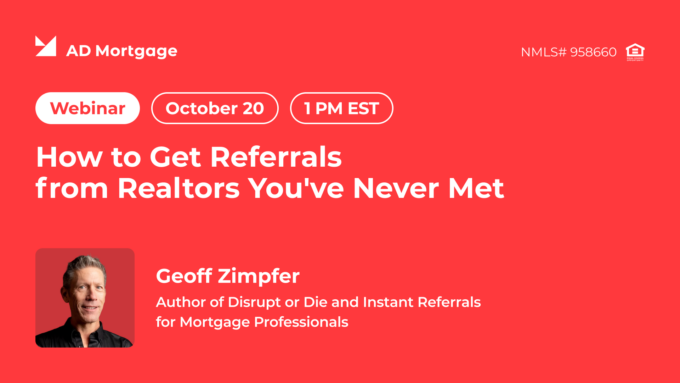
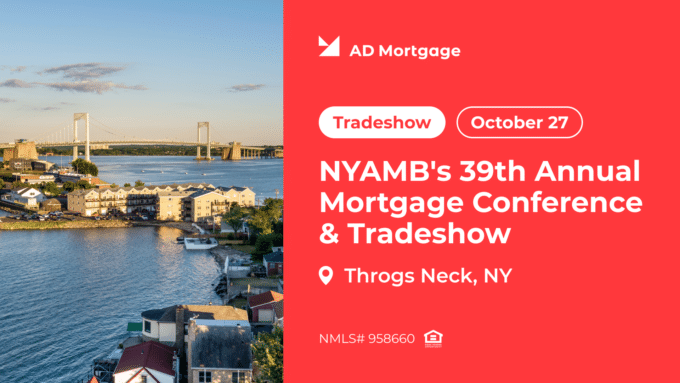
Yes, you can register for upcoming webinars through the following link: Events & Webinars, or you can find the registration option below the FAQ on this page.
You can find our webinar recordings via the following link: Mortgage Webinar Recordings
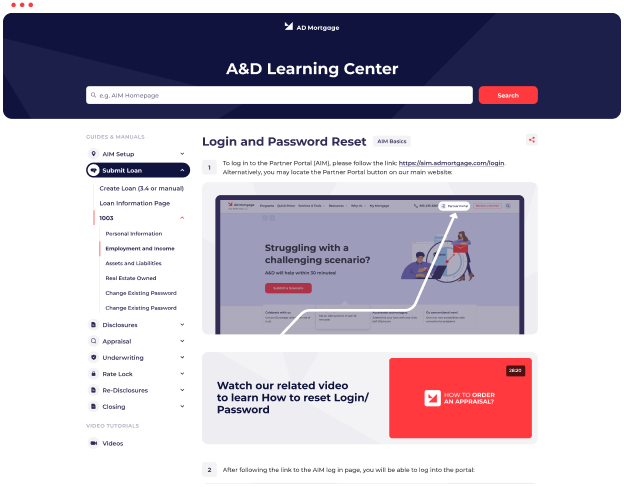
Yes. Once approved, you can access the Learning Center from the AIM Partner Portal.
eClosing is a fast, secure, and fully digital way to complete your mortgage closing. The entire loan package — including the Note — is electronically signed, eliminating the need for stacks of paper and in-person appointments.
With eClosing, the notary fee is $0, saving borrowers up to $1,000, while making the process more convenient than ever.
Available for Fannie Mae and Freddie Mac loans in most states, eClosing streamlines the final step of your home financing journey — so you can close quickly, confidently, and from virtually anywhere.
No, sellers are not included in the eClosing process.
Currently, eClosing is available only for Wholesale loans.
Our Closing Team will contact the broker to coordinate the borrower’s signing time.
All eClosings are completed through DocMagic.
eClosing is available in all U.S. states except AL, CA, CT, DC, GA, MS, SC, SD, and the USVI.
AD Title is our in-house title solution, now available for owner-occupied and investment transactions in Florida.
Using AD Title provides several benefits:
It is not required. You can switch to AD Title later in the process, all the way up to Closing.
This is Correct, as AD Title is affiliate company, the fees are included in the test.
Once file is conditionally approved, borrower and partner will receive the email from the title for confirmation to proceed, and title will be ordered once confirmed.
Once AD Title is confirmed as the settlement agent, fees will be provided and will appear on the Initial CD.
If you have questions about a new order – orders@adtitle.com
If you have questions on current orders – closings@adtitle.com or reach out to the assigned title representative.
Access expert insights, industry trends, and practical tips by registering for our on-demand mortgage webinars